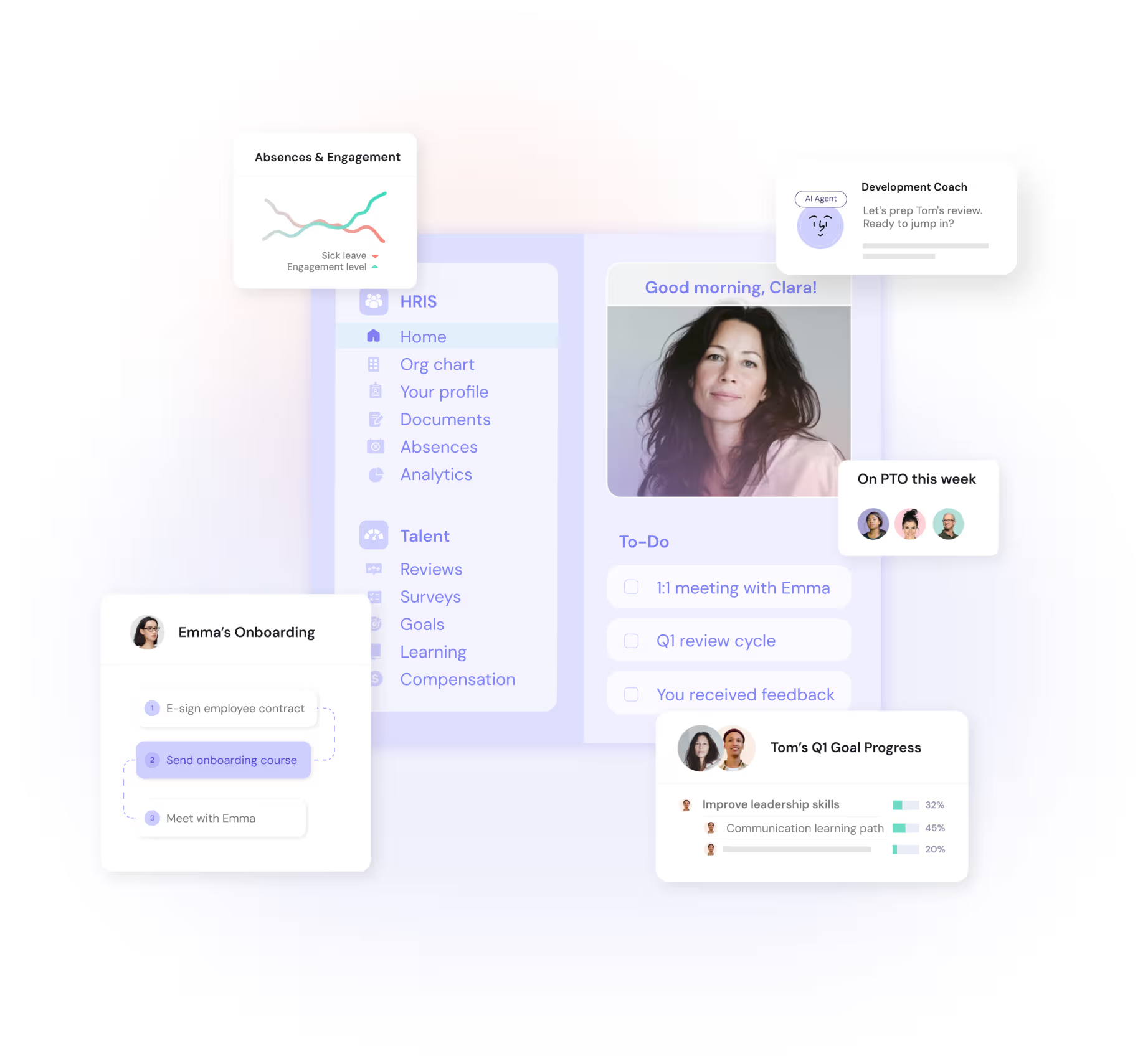
Automate HR processes, route them to the right people, and let employees self-serve. From onboarding to reviews, surveys, and offboarding, build workflows that save your team time across the entire employee lifecycle.


Create seamless employee journeys

Build approval flows that just make sense

Customize workflows to fit your setup
Automate every stage of the employee journey with workflows that assign tasks, trigger emails, and grant access — even before day one. From preboarding checklists to probation check-ins and offboarding handovers, ensure smooth, consistent experiences at scale.
Describe what you need, and Leapsome drafts the workflow for you to review and run. From document creation and compliance checks to training requests and visa reminders, set up scalable workflows in minutes — with the right approvals, the right notifications, and human oversight where it belongs.
Start however you want
Describe what you need from scratch, paste an existing process from another tool, or pick a best-practice template and personalize it.
Leapsome drafts the workflow
Steps, sequencing, owners, reminders, approval gates, notification copy: drafted from your input. Anything that needs your decision is clearly flagged.
Review on the Timeline Canvas
Every step laid out visually. Each AI suggestion is labeled and editable. Accept, reject, drag to reorder, zoom out for the full picture. Nothing activates until you say so.
The workflow runs itself
Managers and employees move through it. You stop chasing.

Customize every step to fit your team’s structure. Create multistep learning paths, send tailored notifications, and automate actions in additional tools like Jira, Notion, or Slack. With webhook support, you can even start or pause workflows based on what happens in your other tools — all within Leapsome.

Take Leapsome for a spin
Learn how Leapsome can automate, connect, and simplify your HR processes.
Book your demo
%20(1)%20(1).jpg)


%20(1).webp)


Our Workflows connect with the entire Leapsome platform to streamline operations and automate key processes throughout the employee journey.


Take your workflows to the next level with Leapsome’s native HRIS. Use -attributes to trigger automations and create more precise, personalized processes across the employee lifecycle.
Automatically launch learning paths to support development during key moments — like onboarding, role changes, or promotions.
Collect timely feedback by inviting employees to surveys at key milestones, such as post-onboarding or after a return from extended leave.
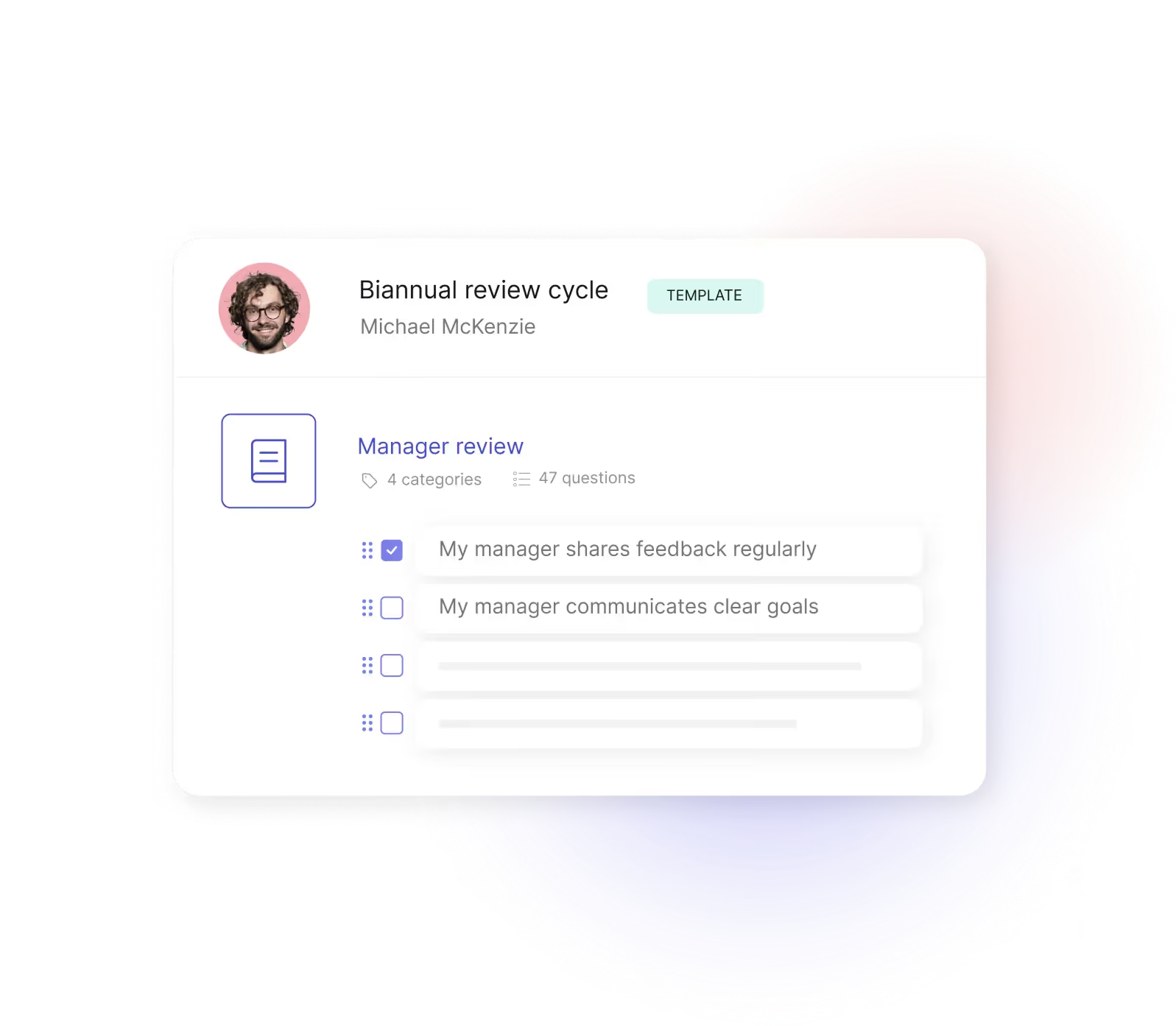
Connect your review cycles to Workflows and let the process run itself. Trigger a review from a milestone like a promotion, then automate enrollment, reminders, and the right follow-up — a development plan, a survey, a check-in. From review to outcome, no chasing.

.jpg)

Yes. You can fully automate onboarding, offboarding, and reboarding (and more). Describe what you need or start from a best-practice template, and Leapsome's Workflow Builder drafts the workflow for you to review. Trigger emails, assign tasks, and grant access to a limited Leapsome environment even before day one, or schedule follow-ups for probation periods and internal transitions.
Describe the HR process you need in plain language, and Leapsome drafts a structured workflow for you to review and run. You can start from scratch, paste a process from another tool, or personalize a best-practice template. The builder drafts the steps, sequencing, owners, reminders, and approval gates. You review every suggestion, edit anything, and decide what goes live.
Yes, with the AI-supported Workflow Builder. Paste your existing process description from another tool, a manual, or a doc, and Leapsome drafts a structured workflow for you to review on the Timeline canvas. Step types, owners, sequencing, notification copy: drafted from your input, fully editable, ready to activate when you say so. It's the fastest way to consolidate workflows that live across tools, docs, or someone's head into one platform.
The Timeline Canvas is the visual workspace where you build and edit your workflows. Every step, sequence, and trigger is laid out by timing, so you can see the whole workflow at a glance. Drag to reorder, click any step to edit, add conditions, zoom out for the full picture. It's the same surface whether you're starting fresh, refining an AI draft, or updating a live workflow.
Leapsome’s HR workflows automations support document flows from generation to approval. Automatically notify the right stakeholders to review, approve, and sign documents on time, ensuring compliance without manual effort.
Absolutely. Leapsome enables self-service through automated workflows. Employees can submit training requests, confirm external course participation, enroll in benefits, or handling visa-related tasks — without HR needing to manage every step.
Our HR workflow builder supports both standard HRIS attributes (like department, manager, or location) and dynamic, calculated fields (such as time since last promotion). This makes your workflow automation even more personalized and powerful.
Yes — you can use absence data to trigger workflows automatically. Automate reboarding after extended leave or send return-to-work surveys when an employee is back — all with Leapsome workflows.
Leapsome’s workflows are fully flexible. You can tailor workflows to match your team’s structure — from multistep learning paths to approval chains and personalized notifications. It’s easy to keep the right people informed and your processes running smoothly.
Yes — Leapsome integrates with your wider tech ecosystem to keep workflows connected and efficient. Use webhooks to provision users, push absence data to Slack, or automatically create tickets in Jira.
Our HR workflow automations supports two-way communication between Leapsome and any web-enabled platform. You can trigger workflows from external systems (e.g., an HRIS), push data to tools like Jira or Notion, and even pause workflows until you receive external input — reducing manual work and connecting your entire HR tech stack.
Leapsome's workflows go beyond task automation. Describe the process you need and the AI-supported builder drafts a structured workflow for you to review on the Timeline Canvas. Combined with attribute-based triggers, document generation, custom notifications, and native HRIS support, you get scalable processes that grow with your team and stay under your control.
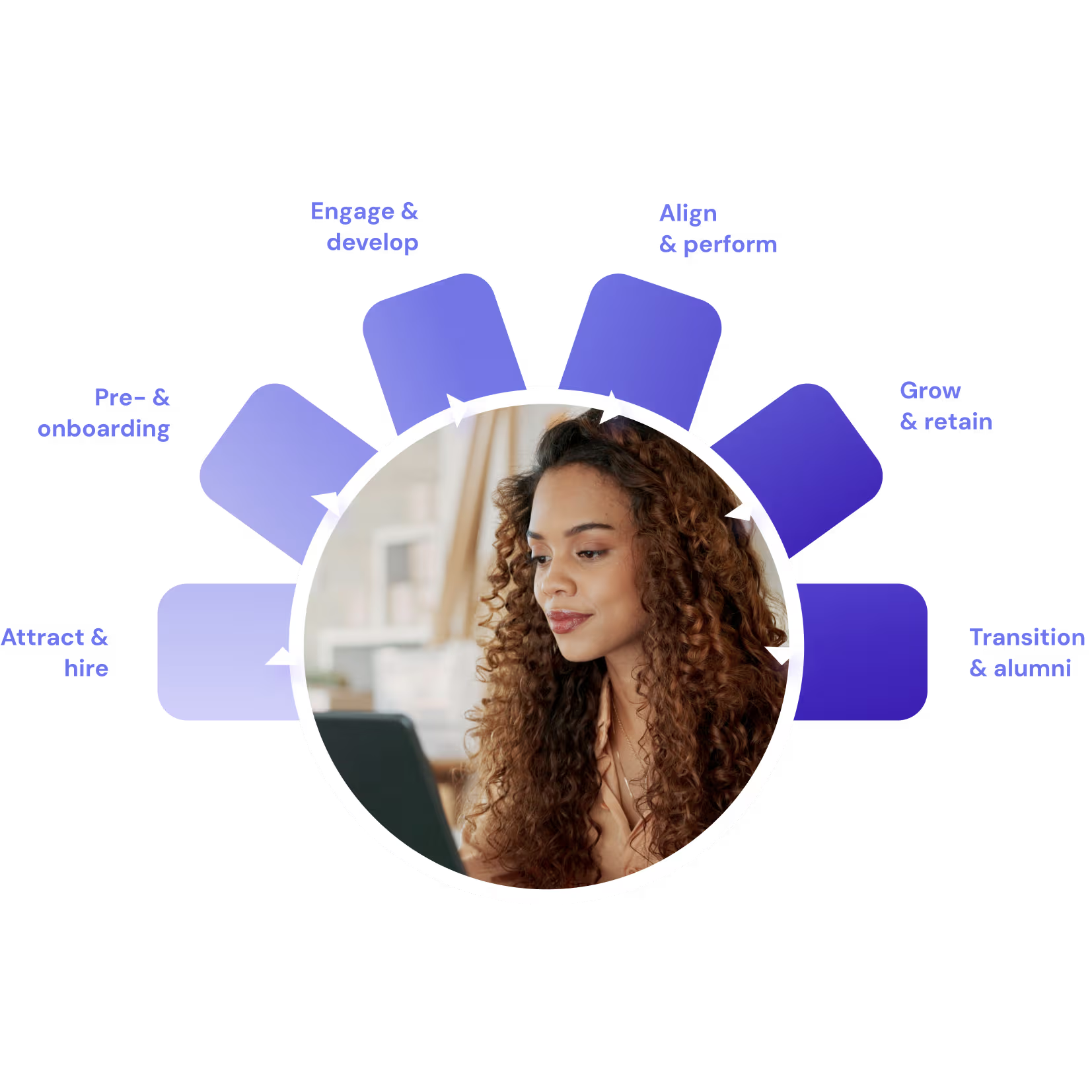
From the first candidate conversation to the next promotion, base your people decisions on connected people & performance data, along the entire employee lifecycle.
Replace your crowded HR stack with one modern platform
See how Leapsome connects HRIS and talent management to elevate HR, empower teams, and deliver real impact.



























Get a personalized demo
Get a personalized walkthrough and see exactly how Leapsome can work for your team. You’ll know in one call if it’s the right fit.